Command Palette
The Command Palette is a central hub for accessing various commands in Acode. It allows you to search for and execute commands without navigating through menus.
Opening the Command Palette
Keyboard Shortcut
TIP
You can open the Command Palette using the standard shortcut: Ctrl + Shift + P
Mobile Devices (QuickTools)
On mobile devices where a physical keyboard might not be present, Acode provides QuickTools—a toolbar above the keyboard that contains essential keys like Ctrl.
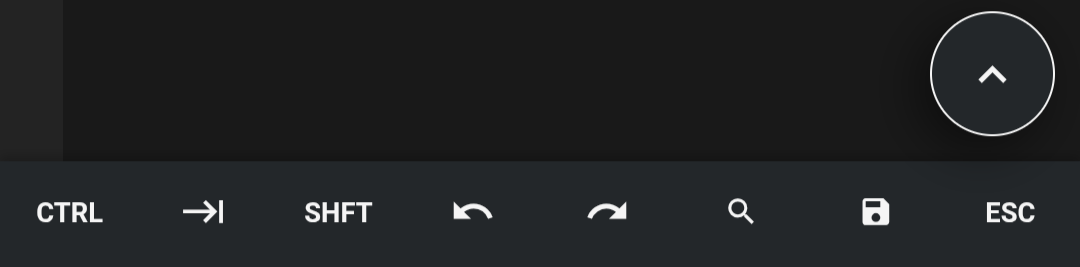
You can use the Ctrl key from QuickTools in combination with the on-screen keyboard to trigger the shortcut.
Dedicated QuickTools Button
For even faster access, you can add a dedicated Command Palette button to your QuickTools bar.
How to Configure
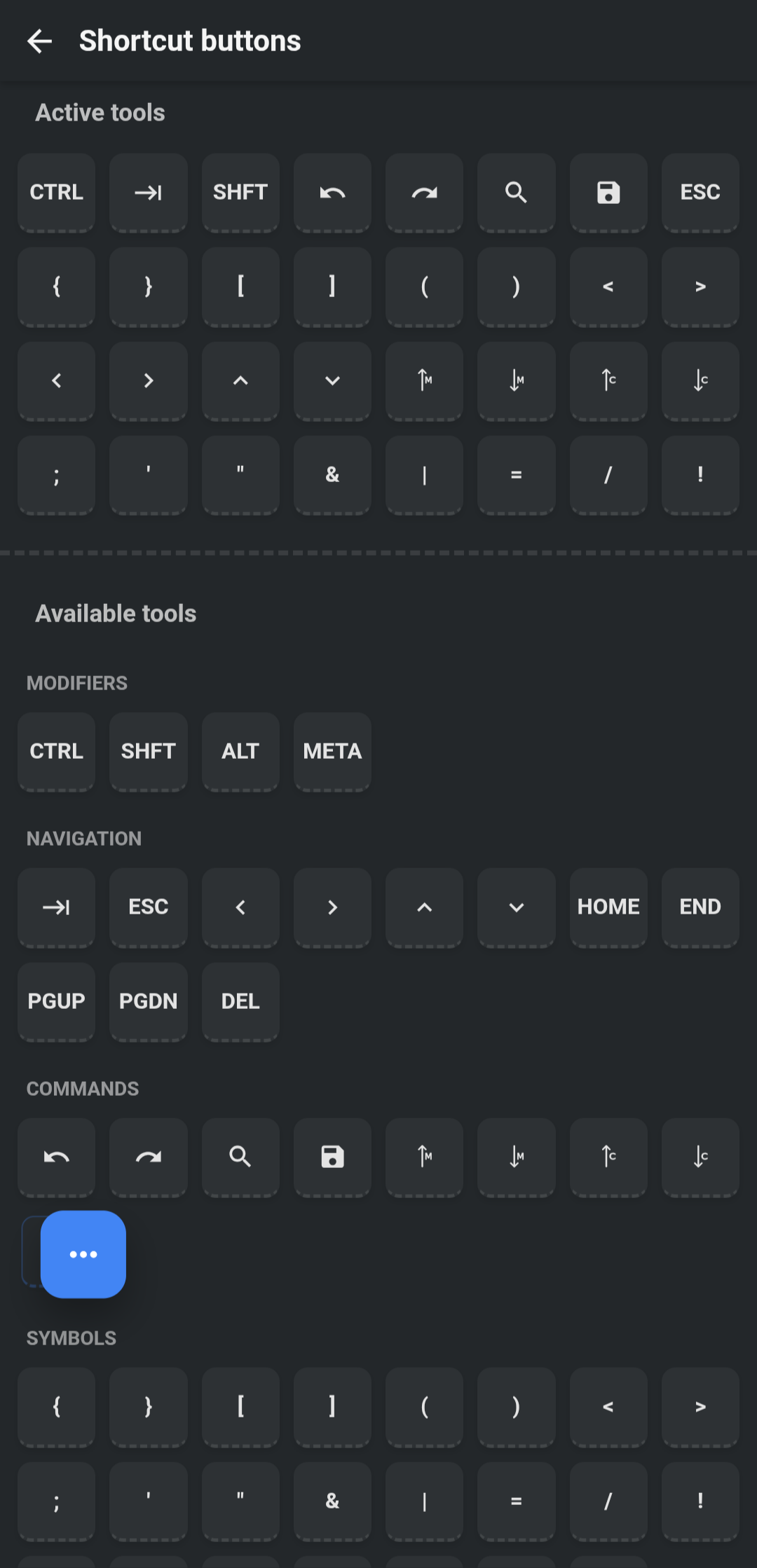
- Go to Settings > App Settings.
- Select QuickTools.
- In the configuration view, drag and drop the Command Palette icon to your active QuickTools bar.